

Sign in by scanning a code
No typing with the remote. Open TweeTok on Apple TV, scan the code with your iPhone, and your accounts appear on the TV.
Made for the Siri Remote
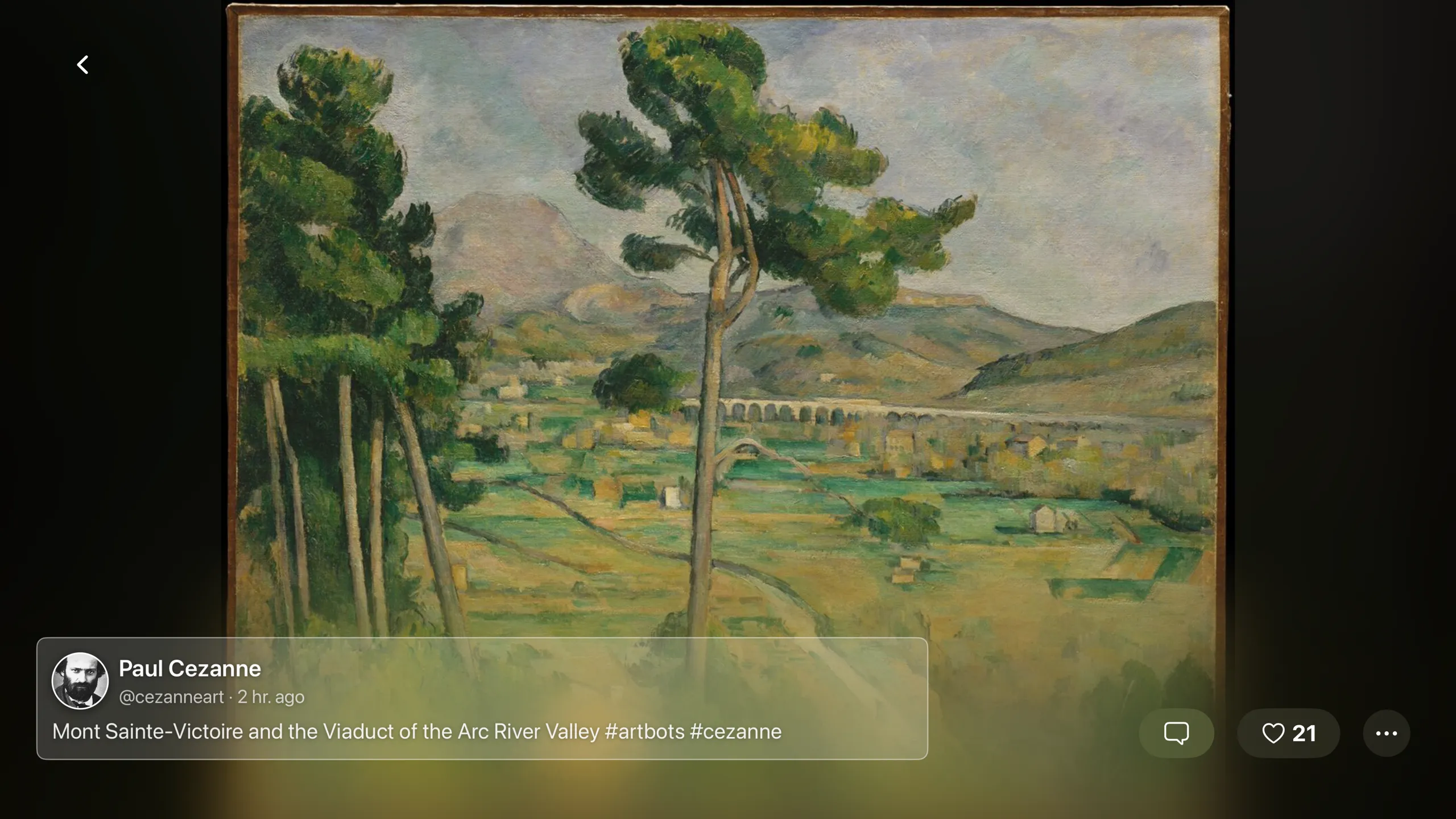
Swipe from post to post in full screen, or switch to a grid and move around it with the remote. Timelines and lists open from the side menu.
Settings come with you
Your read history and cloud library settings are carried over from the iPhone, so there is nothing to set up on the TV.
The Apple TV app is a free download. Pairing needs TweeTok Pro on your iPhone.
Download on the App Store
Free for iPhone, iPad and Apple TV
Join the Android beta
Pro is free during the beta