
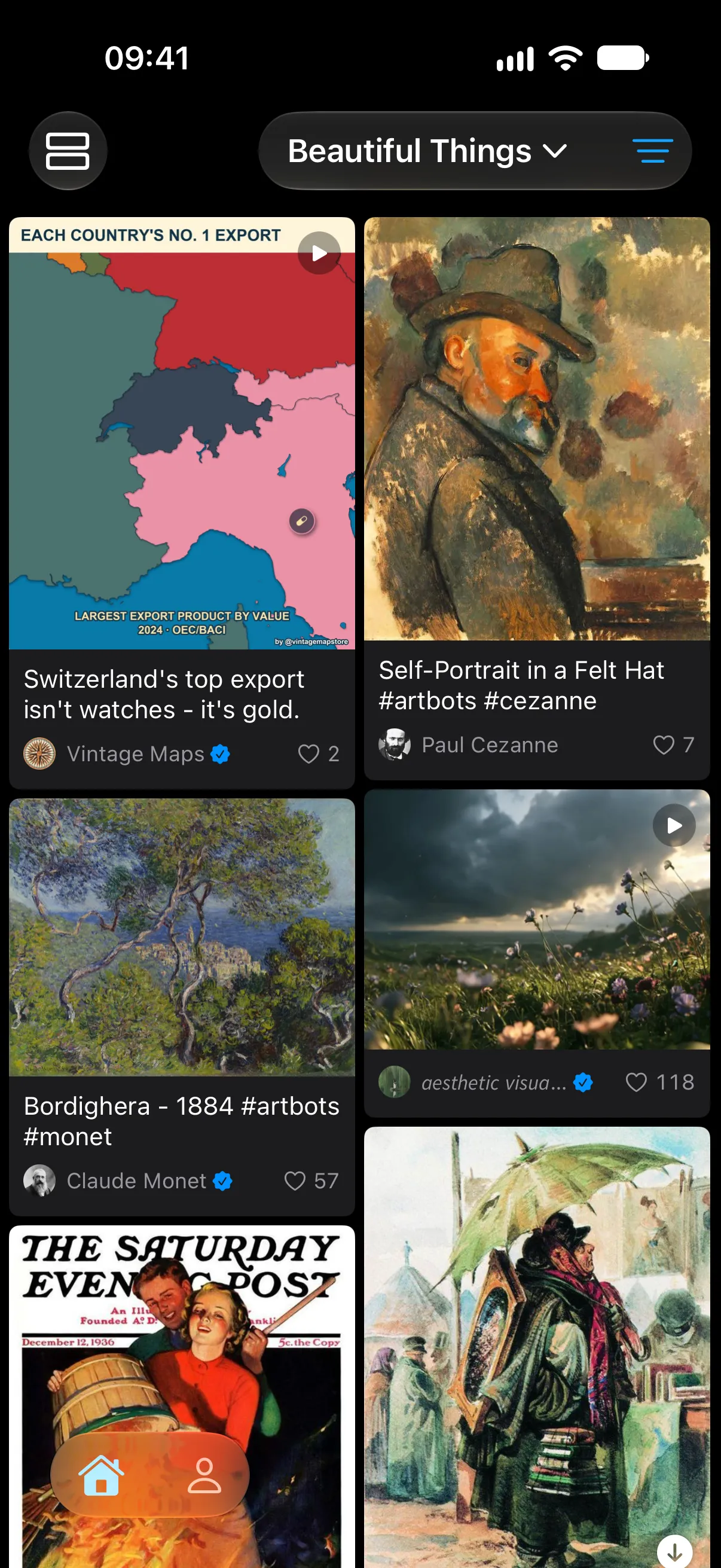
Two columns, every picture
The grid lays out posts in two columns at their own proportions, with the author and like count under each one. Videos show a play mark, so you can see what moves before you open it.
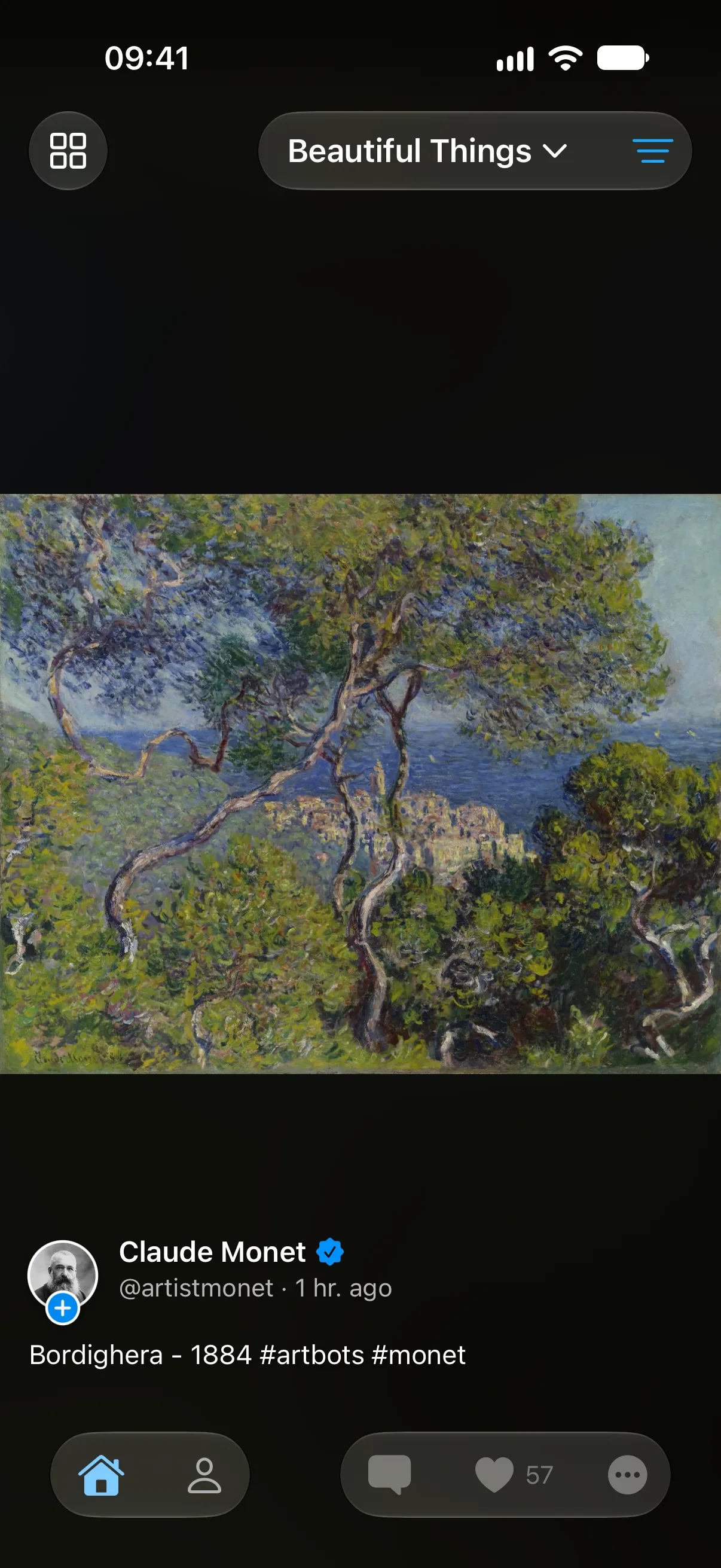
Open in place, close in place
Tap a card and it grows to full screen from where it was. Swipe right and it shrinks back into the same spot. You keep your position in the grid, so you can open one post after another.
On timelines, lists and profiles
The grid works everywhere you browse: your timelines, your lists and anyone’s profile. On Apple TV it becomes a four-column grid sized for the big screen.
Download on the App Store
Free for iPhone, iPad and Apple TV
Join the Android beta
Pro is free during the beta