
How to save X posts with images for offline viewing
Bookmarks on X only work while the post still exists and you are online. If you want to keep a post and its pictures for a flight, or in case it gets deleted, save it to your device.
Updated November 2026
Bookmarks are not a copy
An X bookmark is a link. If the author deletes the post or makes their account private, the bookmark stops working, and nothing loads without a connection.
An offline copy keeps the post text, its images and its video cover on your own device.
Save a post in TweeTok
- On the post you want to keep, tap More.
- Choose Offline Cache. The post and its media download to your device.
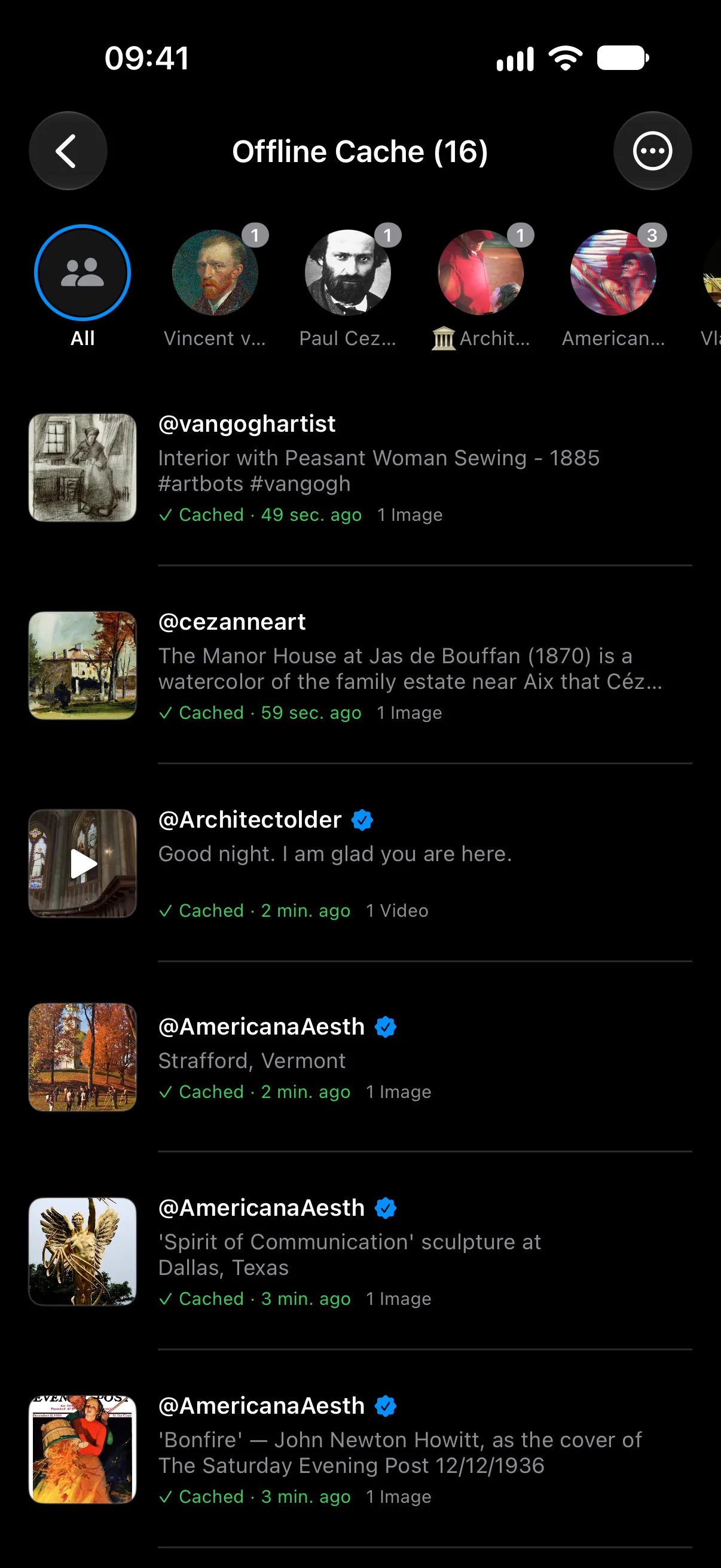
- Open Me > Offline Cache to see everything you saved, with the date each one was saved.
Find saved posts again
Saved posts are grouped by author along the top of the list, so you can jump straight to one artist or account. On iPhone the files are also visible in the Files app under On My iPhone > TweeTok; on Android you can export them to the Download/TweeTok folder.